X (Twitter) Image Downloader
Paste your X (Twitter) post link
Use a public tweet URL that contains photos — x.com/…/status/… or twitter.com/…/status/…. For videos, use our X video downloader.
Tweet media is copyrighted. Save only content you may legally use. Not affiliated with X Corp.
Save Photos From X (Twitter) Tweets
X compresses images for in-feed display and gives you no clean way to grab the original upload. Right-clicking and saving usually gets you a downscaled, recompressed version — not the file someone actually posted. This tool skips the guesswork — paste a public post URL, get the full-size image, done.
No login. No app install. No blurry right-click save.
What this tool actually does
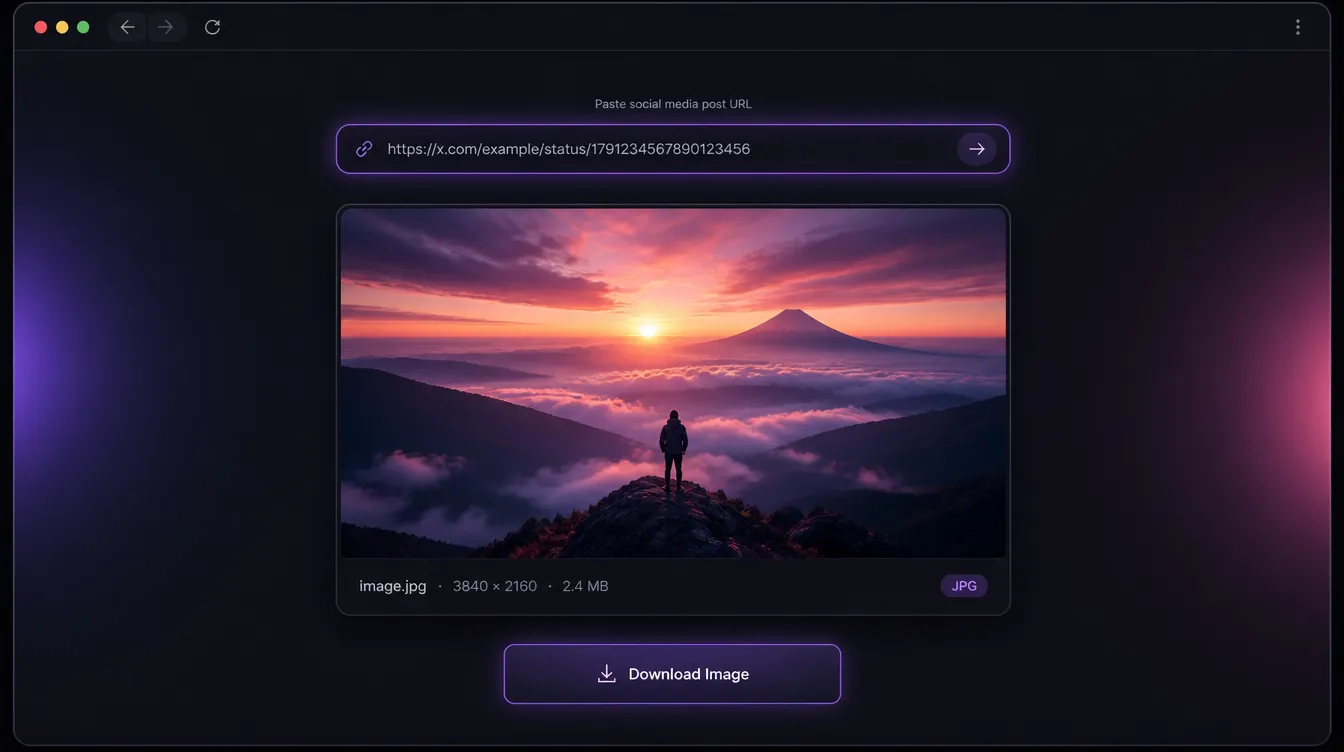
It extracts the source image from a public X (Twitter) post and returns a direct download link. What you get is the actual file as uploaded — not a compressed thumbnail, not a re-encoded copy. For posts with multiple images, each one is pulled individually at full resolution.
It works on any publicly accessible post. Protected accounts and posts visible only to approved followers won't process — that's intentional. Public posts only.
Who uses it
The most common use case is recovering your own posted images when the original file is gone — common after device changes or lost local copies. Social media managers use it to archive brand visuals, campaign graphics, and announcement images posted directly to X without being saved elsewhere first.
Journalists and researchers use it to preserve images attached to public statements, screenshots, or announcements before a post gets deleted. Designers use it to pull reference images from public accounts at usable resolution — far better than a screenshot of a compressed in-feed preview.
It's also useful for anyone documenting a viral post, meme, or graphic before it disappears — once a post is deleted, the in-feed version is gone too.
How it works
- Open the X post containing the image and copy the link from the share menu or your browser's address bar.
- Paste the URL into the field above and click Get Image.
- Wait a moment for the preview to load — multiple images will appear individually if the post has more than one.
- Click Download to save each file to your device.
If nothing loads, the account is most likely protected. Test by opening the URL in a private browser window without being logged into X — if the image is visible there, the download will work.
Why resolution matters
X serves a compressed version of every image in-feed to keep load times fast. This tool fetches the source file from X's media servers — the best version that URL can return. For anything you plan to reuse, archive, or reference at real quality, that's a meaningful difference over a screenshot or right-click save.
Free, no account required
Nothing to install, nothing to register, no usage cap behind a paywall. The tool runs in your browser, processes the URL, and returns the file. Nothing is stored, nothing is logged. Public posts only — by design.
Frequently asked questions
Do I need an X account to use this?
No. Paste any public X post URL — no login, app install, or browser extension required.
Does it work on posts with multiple images?
Yes. Each image in a public post is returned individually at full resolution, with its own preview and download link.
Why won't my image load?
Protected accounts, follower-only posts, and deleted content cannot be fetched. Open the same URL in a private/incognito window while logged out — if X asks you to log in or the image isn't visible, the tool cannot access it either.
What resolution will I get?
The source file from X's media servers — the best version that URL can return. You won't exceed what was originally uploaded, but you avoid the extra compression from right-click saves or screenshots.
Can I download from protected accounts?
No. The tool only works on publicly accessible posts. If the content doesn't load in a logged-out browser window, it won't process here either.
Is it legal to download X images?
Downloading content you own or have permission to save is fine. Respect copyright and privacy — do not republish someone else's work without consent. This tool is not affiliated with X Corp.
Does this tool store my links?
No. URLs are processed to return download links. We don't log what you download or require an account.
How it works
- Open the tweet and copy its link.
- Paste the URL above and click Get image.
- Download the photo when the preview loads.