Facebook Photo Downloader
Paste your Facebook photo link
Paste a public facebook.com photo or post URL. For videos, use our Facebook video downloader.
Facebook images are copyrighted. Download only what you may legally save. Not affiliated with Meta.
Photo posts
Fetches images from public Facebook photo posts and albums when exposed by the API.
Public only
Friends-only and private posts cannot be fetched.
FB marketing
Browse social growth services on our prices page.
Download Images From Facebook Posts
Facebook makes it easy to scroll through images. Saving them at full quality is another story. The built-in download option is buried, inconsistent across devices, and often returns a compressed version of the original. This tool skips all of that — paste a public photo URL, get a direct download link, done.
No login. No browser extension. No screen-grabbing workaround that sacrifices resolution.
What this tool actually does
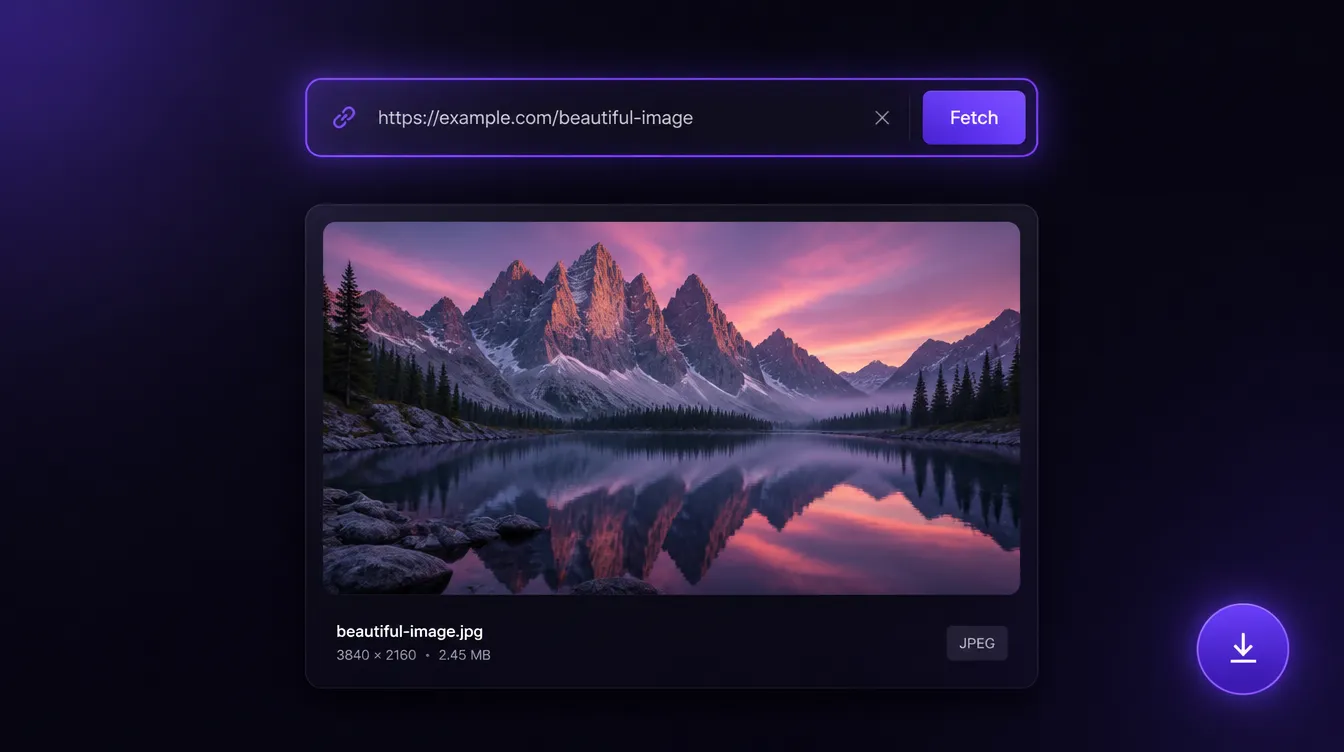
It extracts the source URL from a public Facebook photo or post link and returns the highest-resolution version available. What you download is the actual image file — not a screenshot, not a recompressed copy. If the original was uploaded at 2048px wide, that's what you get.
It works on standard photo posts, shared images, and album entries, as long as the URL points to a publicly accessible post. Private content, friends-only posts, and anything behind a login wall won't load — that's by design, not a limitation worth working around.
Who uses it
The obvious use case is saving your own content. If you posted something years ago and no longer have the original file, this is the fastest way to recover it at decent quality. Social media managers do this regularly when archiving old campaigns or pulling brand assets that were uploaded directly to Facebook without being saved locally first.
It's also useful for researchers, journalists, and community managers who need to reference public posts — product announcements, event photos, official statements — and want the actual image file rather than a link that might disappear.
Designers sometimes use it to download reference material from public brand pages. That's legitimate as long as you're not republishing someone else's work without permission. What you do with the file is on you — this tool just removes the friction of getting it.
Why resolution matters
Facebook compresses images on upload and again when displaying them in-feed. What you see while scrolling is not always the full file. This tool fetches the source file as stored — which may still carry Facebook's upload compression, but it's the best version available from that URL. If the original was a high-res photo, you'll get a high-res download.
For anything you plan to reuse, print, or archive properly, this matters. Screenshot workarounds cap you at your screen resolution. This doesn't.
Free, no account required
There's nothing to install and nothing to sign up for. The tool runs in your browser, processes the URL, and returns the file. It doesn't store your links or log what you download.
Preview not loading? Double-check that the post is publicly visible. Opening the link in a private browser window without being logged into Facebook is the quickest way to confirm.
Frequently asked questions
Do I need a Facebook account to use this?
No. Paste any public Facebook photo or post URL — no login, extension, or app install required.
Why won't my link work?
Friends-only, private, and login-walled posts cannot be fetched. Open the same URL in a private/incognito window while logged out — if Facebook asks you to log in, the tool cannot access it either.
Is the download the original full-resolution file?
You get the highest-resolution version available from that URL — the actual image file, not a screenshot. Facebook may still apply its own upload compression, but this is the best quality the link exposes.
Can I download photos from albums and shared posts?
Yes, for standard photo posts, shared images, and public album entries — as long as the URL points to a publicly accessible post.
Is it legal to download Facebook images?
Downloading content you own or have permission to save is fine. Respect copyright — do not republish someone else's work without consent. This tool is not affiliated with Meta.
Does this tool store my links?
No. URLs are processed to return a download link. We don't log what you download or require an account.
How it works
- Copy the Facebook photo or post link.
- Paste it above and click Get photo.
- Download the image when the preview appears.